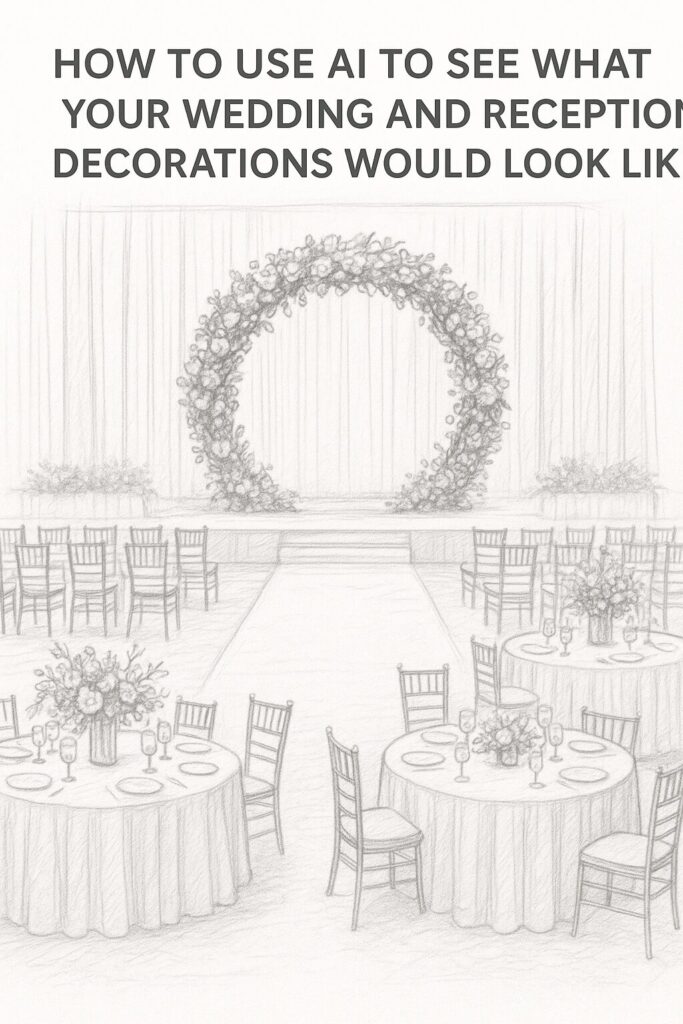
Wouldn’t it be great if you could see your wedding setup before spending a dime on flowers, linens, or décor? Thanks to AI, now you can. The days of crossing your fingers and hoping your Pinterest vision matches reality are over.
Here’s how couples in Nashville (and everywhere else) are using AI to preview their wedding and reception designs — and why it’s a total game changer.
💡 What AI Can Do for Your Wedding Vision
AI tools can take a few simple details — your colors, theme, and venue — and generate realistic images that show how everything could look together.
Think of it like a wedding mood board, but way smarter.
You can:
- Preview flower arrangements and centerpieces before committing.
- Try out different ceremony setups (like arches, aisles, or seating layouts).
- See how lighting changes the mood of your reception.
- Visualize table linens, chair styles, or drapery colors in your actual venue.
Some tools even let you upload a photo of your venue so you can see exactly how your design would look in that space.
🖼️ Tools You Can Try
Here are a few AI options that work surprisingly well for wedding design:
- Canva AI and Magic Studio: Upload a photo of your venue or a blank space, then use AI to “fill in” flowers, tables, or décor. Great for getting started.
- Interior AI or RoomGPT: Originally made for room design, but they also work great for wedding layouts — just upload your space and pick a style.
- Midjourney or ChatGPT + DALL·E: Describe your dream wedding setup (“romantic garden ceremony under a floral arch with blush tones”), and it’ll generate detailed visuals in seconds.
You can test out dozens of looks without spending a dime or lifting a single centerpiece.
🎨 How to Get the Best Results
AI isn’t psychic (yet), so you’ll want to guide it with the right details.
Here’s how to make it work for you:
- Start with a photo of your venue – inside or outside.
- Use descriptive prompts: “Elegant Nashville barn wedding with greenery garlands, gold accents, and candlelight.”
- Try multiple versions. Ask for 3–4 variations and pick your favorite vibe.
- Use it to communicate with vendors. Show your florist or planner what you’re imagining — it saves a ton of back-and-forth.
💐 Why It’s Worth Doing
AI wedding design previews help you:
- Avoid expensive décor mistakes
- Decide between color palettes before ordering anything
- Visualize how your ceremony and reception flow together
- Feel more confident in your choices
You don’t have to be a tech wizard to pull this off. Most AI design tools are drag-and-drop simple — and even free.
🌟 The Nashville Advantage
Here in Nashville, where every venue has its own unique charm (from rustic barns in Franklin to sleek spaces downtown), AI can help you see how your decorations fit each vibe. You can literally “try on” your décor before committing — whether it’s a flower wall at Riverwood Mansion or string lights at The Cordelle.
🎉 Final Thought
AI won’t replace your florist or planner — but it will help you get on the same page with them faster. It’s like having a personal wedding design assistant that works 24/7, never gets tired, and costs less than a cup of coffee.